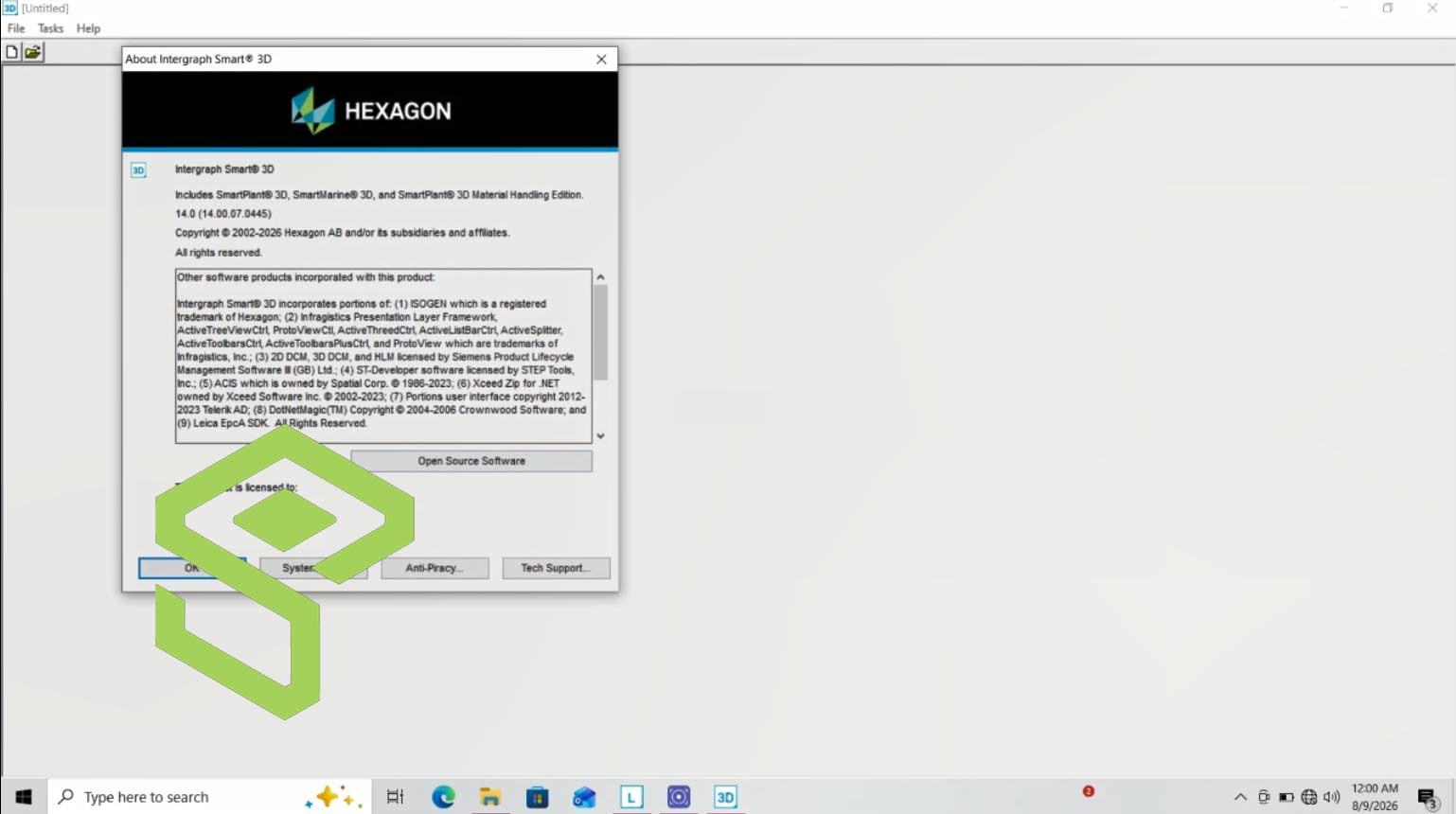
For Plant Design Engineers and Multidiscipline 3D Designers, managing the complexity of large-scale industrial projects—be it a petrochemical plant, a power generation facility, or an offshore platform—demands software capable of ensuring precision, consistency, and adherence to stringent engineering standards. Traditional CAD tools often fall short in coordinating multidisciplinary inputs and enforcing design rules across an entire project lifecycle.
Need This Software?
Contact us to request the software and receive download and access information.
Intergraph Smart 3D, now known as Forte 3D and offered by Octave Intelligence plc, addresses these challenges by providing a comprehensive, rules-driven 3D modeling environment. This article delves into its core functionalities and distinguishing features, offering an in-depth technical overview to help professionals assess its suitability for their complex plant and marine design workflows.
Key Facts
- Category: Plant and Marine Design Software
- Best for: Plant Design Engineer / Multidiscipline 3D Designer
- Also compare: AVEVA Unified Engineering, Bentley OpenPlant Modeler, Autodesk Plant 3D
Understanding Intergraph Smart 3D (Forte 3D)
Intergraph Smart 3D, foundational to modern plant and marine design, facilitates the creation, management, and maintenance of digital models for large-scale industrial assets. It transitions from traditional CAD approaches by integrating intelligence and rules into the design process, ensuring consistency and compliance across all project phases. Its rebranding to Forte 3D under Octave Intelligence plc reflects its ongoing evolution within the industry.
Core Capabilities for Multidiscipline Plant Design
Intergraph Smart 3D is engineered to support a wide array of design tasks across various disciplines, centralizing project data and workflows.
Rules- and Specification-Driven 3D Plant Modeling
The software leverages an intelligent, rules-based engine that automates design tasks and ensures adherence to engineering specifications and industry standards. This capability minimizes manual errors and significantly accelerates the modeling process for complex plant components.
Comprehensive Multidiscipline Integration
Intergraph Smart 3D provides integrated tools for designing and managing elements across critical engineering disciplines:
- Piping Design: Automated routing, component placement, and interference checking for intricate piping systems.
- Equipment Modeling: Detailed 3D modeling of process equipment, including pumps, vessels, and heat exchangers.
- Structural Engineering: Design and analysis of steel and concrete structures that form the framework of industrial plants.
- Electrical Layout: Tools for placing and routing electrical components, conduits, and cable trays within the 3D model.
Automated Drawings and Deliverables
A key feature of Intergraph Smart 3D is its ability to automatically generate high-quality, intelligent drawings and other project deliverables directly from the 3D model. This includes plan views, elevations, sections, isometric drawings, and material take-offs, ensuring accuracy and consistency with the design model.
Advanced Clash and Consistency Checking
To prevent costly rework and delays, the software incorporates robust clash detection and consistency checking capabilities. It automatically identifies interferences between components from different disciplines and ensures that design elements adhere to project rules and specifications throughout the design lifecycle.
As-Built Lifecycle Model Management
Intergraph Smart 3D supports the management of the as-built condition of plant assets. It enables engineers to maintain an accurate digital twin throughout the operational lifecycle, facilitating future modifications, maintenance, and expansions based on precise historical data.
Key Differentiator: Rules-Based Coordination for Complex Projects
What sets Intergraph Smart 3D apart from many competing tools, particularly lighter, DWG-based plant-design add-ins, is its foundation in rules-driven intelligence and a shared data model. This approach enables superior coordination for large, multidiscipline plant and marine projects. The software’s ability to maintain a single, integrated data environment ensures that changes made in one discipline are automatically reflected and validated across others, reducing errors and improving project efficiency.
Comparing Plant Design Software Solutions
When evaluating Intergraph Smart 3D, it is useful to consider other prominent software solutions in the plant design and process engineering category.
| Solution | Primary Focus |
|---|---|
| Intergraph Smart 3D (Forte 3D) | Rules- and specification-driven 3D plant and marine modeling across multiple disciplines with a shared data model. |
| AVEVA Unified Engineering | Integrated project execution and information management for plant and marine projects. |
| Bentley OpenPlant Modeler | Intelligent 3D piping and plant design, supporting an open, collaborative environment. |
| Autodesk Plant 3D | P&ID and 3D plant design built on the AutoCAD platform for drafting and modeling. |
Why Choose Intergraph Smart 3D (Forte 3D)?
For multidiscipline 3D designers and plant design engineers working on large-scale industrial projects, Intergraph Smart 3D, now Forte 3D, offers distinct advantages. Its strong emphasis on rules-driven automation and a unified data model ensures design integrity and coordination across complex projects involving piping, equipment, structures, and electrical systems. The ability to generate automated deliverables and perform thorough clash detection streamlines workflows and reduces the potential for costly errors, making it a robust choice for managing the entire lifecycle of a plant or marine asset. Engineers seeking a powerful, integrated solution for precise and efficient project execution will find the capabilities of Forte 3D align well with the demands of modern plant design.
Frequently Asked Questions about Intergraph Smart 3D
What is Intergraph Smart 3D primarily used for?
Intergraph Smart 3D is primarily used for the 3D design, management, and maintenance of complex plant and marine projects, leveraging a rules-driven intelligence approach.
How does Intergraph Smart 3D support multidiscipline engineering?
It supports multidiscipline engineering through integrated tools for piping design, equipment modeling, structural engineering, and electrical layout, all operating within a shared, intelligent data environment.
What distinguishes Intergraph Smart 3D from other plant design tools?
Its primary differentiator is its foundation in rules-driven intelligence and a shared data model, which enables superior coordination and automated validation across large, complex, multidiscipline plant and marine projects.
Can Intergraph Smart 3D manage the as-built lifecycle of a plant?
Yes, Intergraph Smart 3D supports the management of as-built plant conditions, allowing engineers to maintain an accurate digital twin for future modifications, maintenance, and expansions.
What capabilities does Intergraph Smart 3D offer for generating project deliverables?
It can automatically generate high-quality, intelligent drawings and other project deliverables directly from the 3D model, including plan views, elevations, sections, isometric drawings, and material take-offs.
Need Access to This Software?
Need this software for your project? Contact us for download access, availability, and related information.
Conclusion
Intergraph Smart 3D (Forte 3D) is a specialized solution for Plant Design Engineers and Multidiscipline 3D Designers navigating the complexities of large-scale industrial projects. Its comprehensive, rules-driven approach and integrated data model enable highly coordinated and consistent design across various engineering disciplines, streamlining workflows from initial modeling through the management of as-built assets. For projects demanding high precision, automated validation, and efficient lifecycle management, Forte 3D provides the capabilities to meet rigorous engineering demands. To explore how Intergraph Smart 3D (Forte 3D) can enhance your project workflows, submit an inquiry through the petroleumsoftware.ir request form for more detailed information.
Source: Learn more directly from the official Hexagon product page.